Trusted phone pairing
Enroll your phone with a QR code or pairing code.
 AdvertpreneurSmart Unlock
GETWindows
AdvertpreneurSmart Unlock
GETWindows
Windows + Android
Pair your Android phone with your Windows PC, then lock, unlock and manage your trusted computers from one clean experience.
Windows 10 / 11 and Android
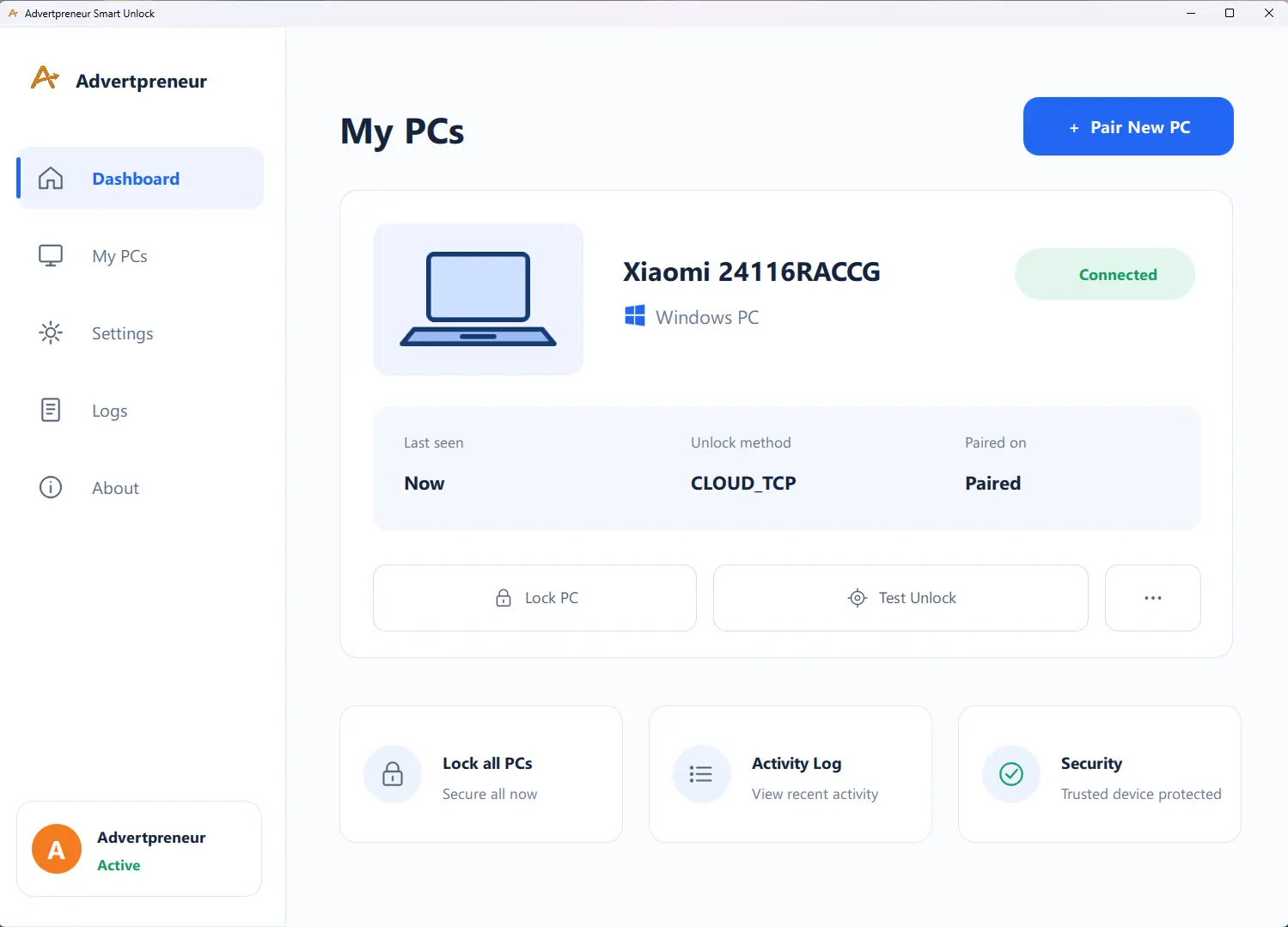
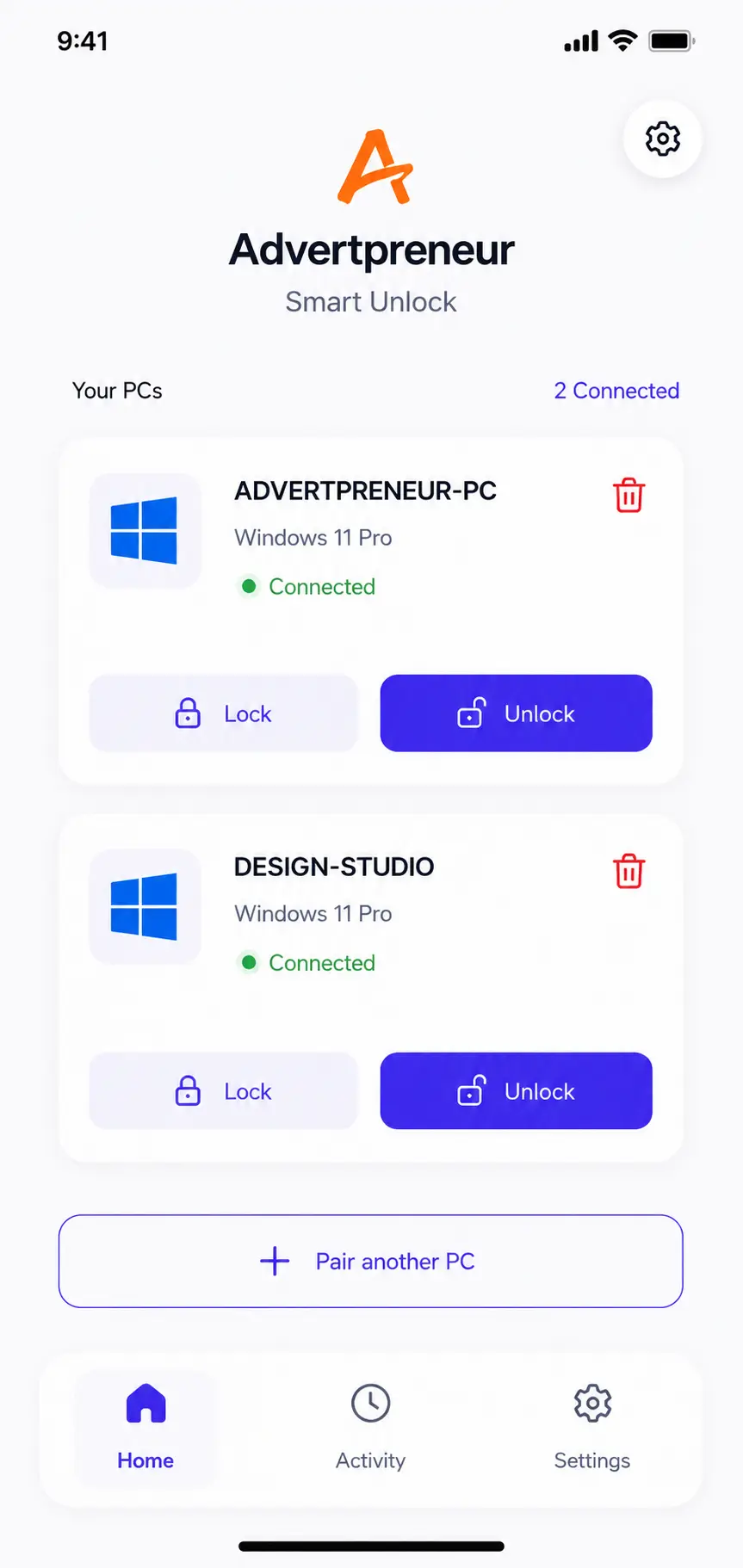
Enroll your phone with a QR code or pairing code.
Lock or request an unlock from your paired phone.
Keep more than one Windows PC in a single dashboard.
See connected devices and recent activity at a glance.
Simple setup
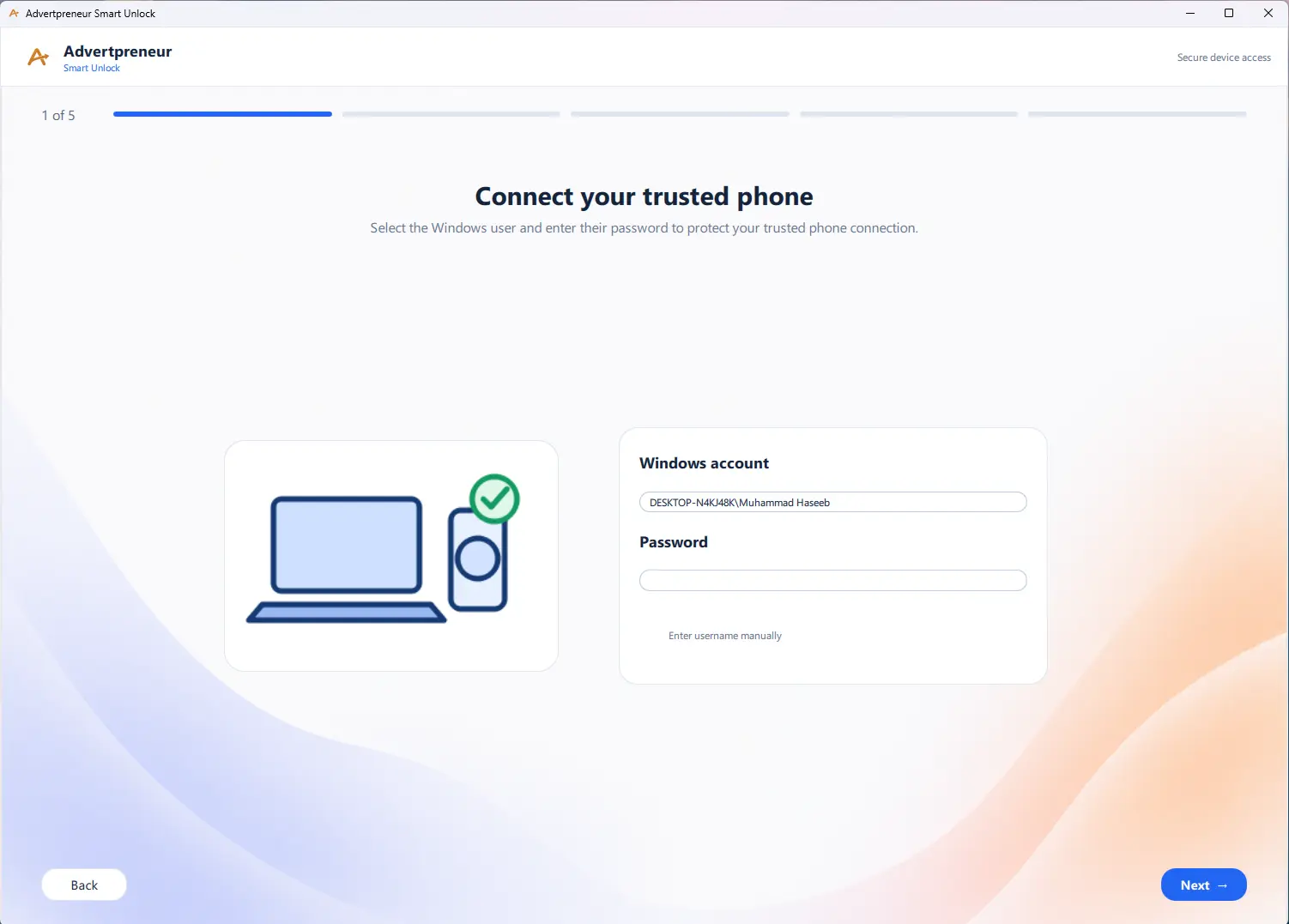
Smart Unlock guides you from your Windows account to a trusted phone connection in four clear steps.
Choose the Windows user that Smart Unlock will work with.
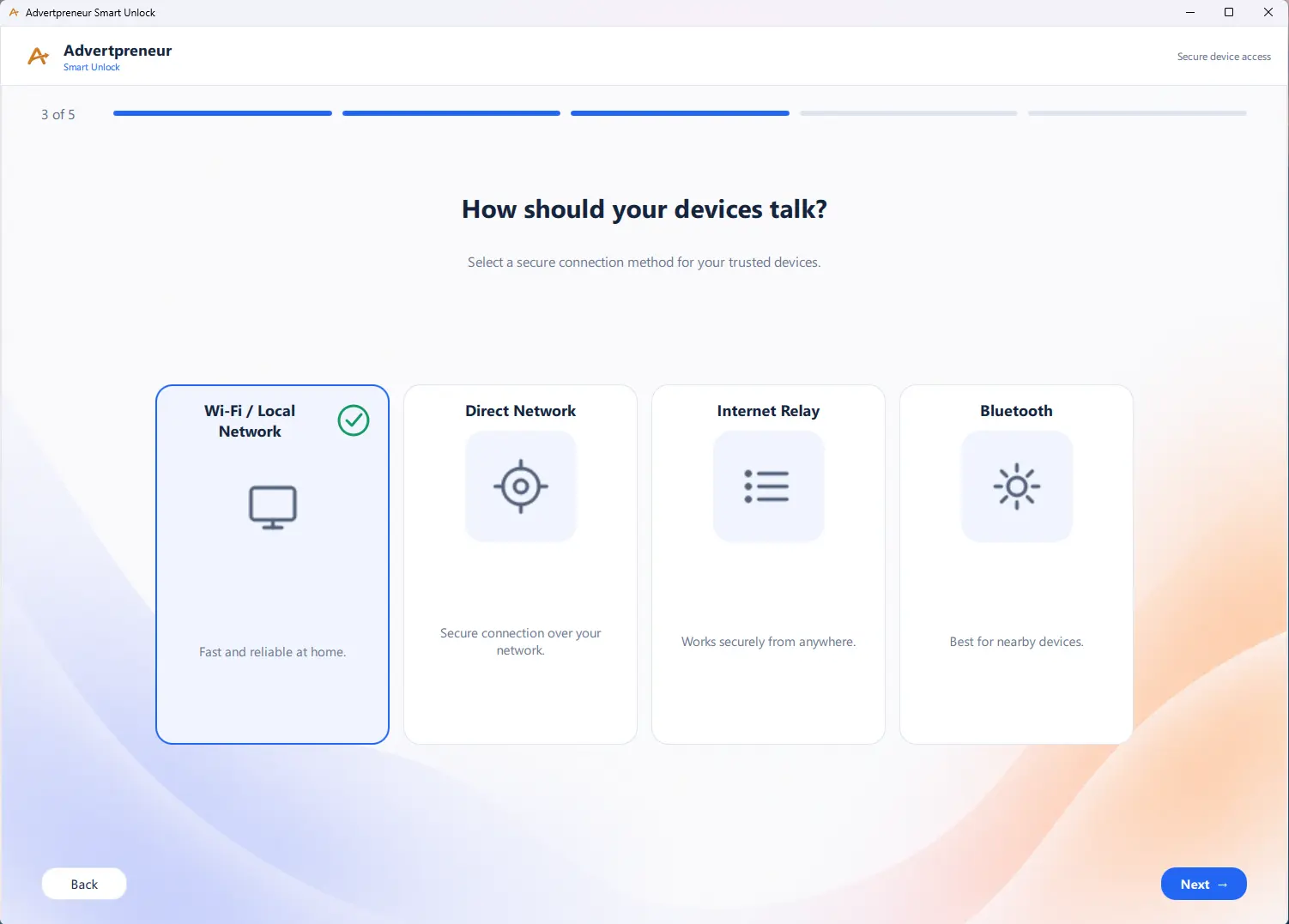
Select the mode that fits how you want to authorize access.
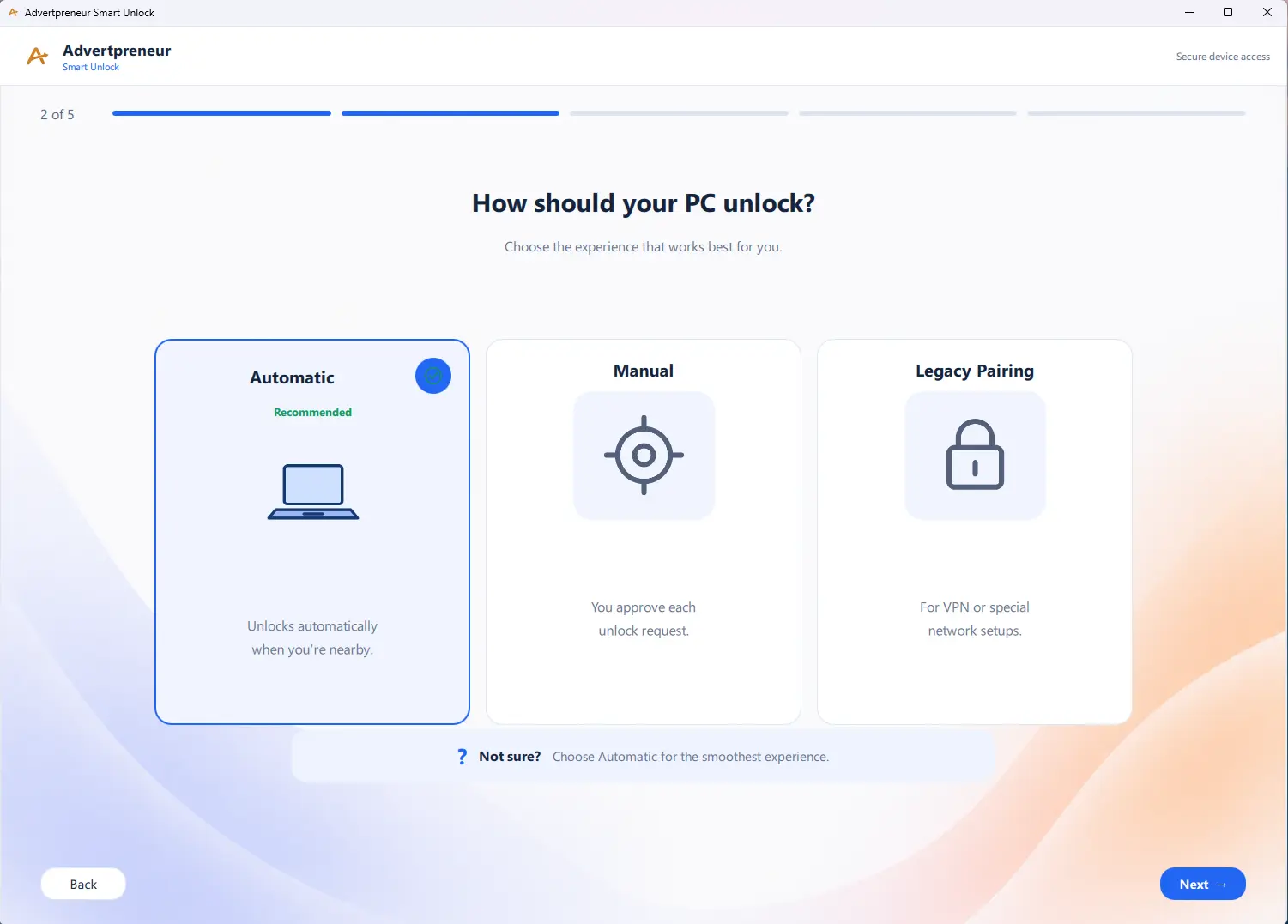
Pick from the connection methods presented by your Windows app.
Scan the on-screen QR code or enter the pairing code in Android.
✓Your PC is ready to appear in Smart Unlock.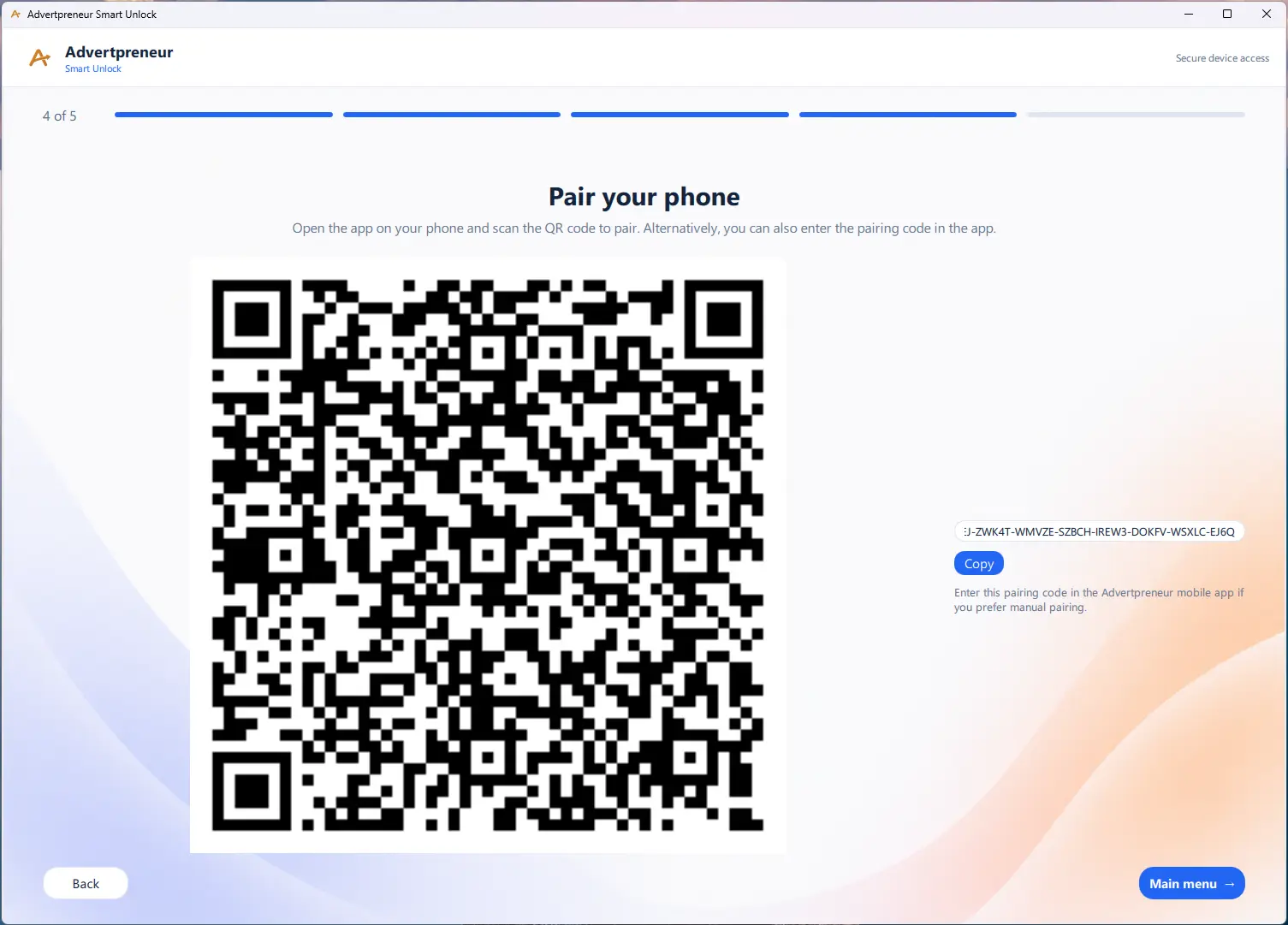
Windows application
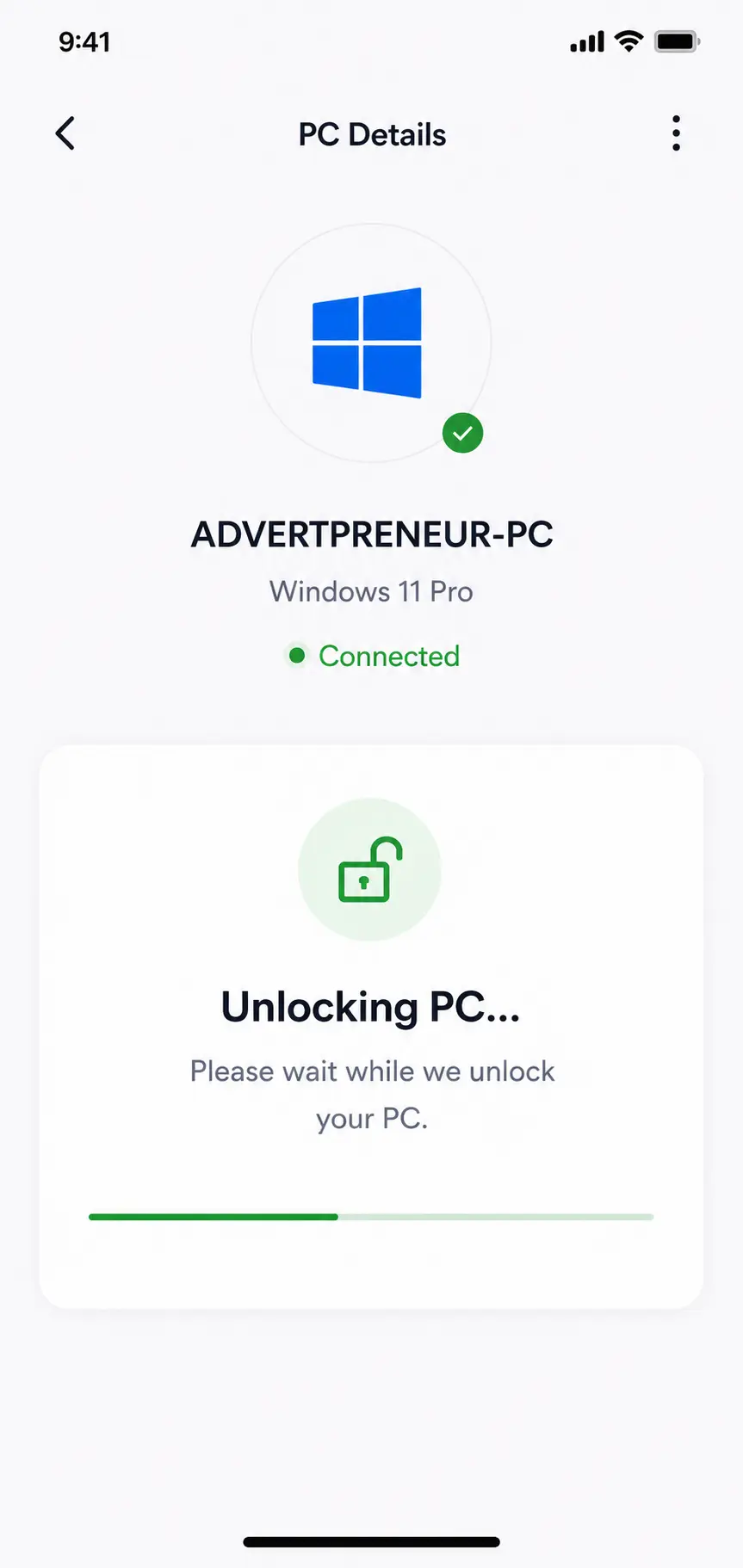
See your paired computer, connection status and core controls without digging through menus.
Android companion
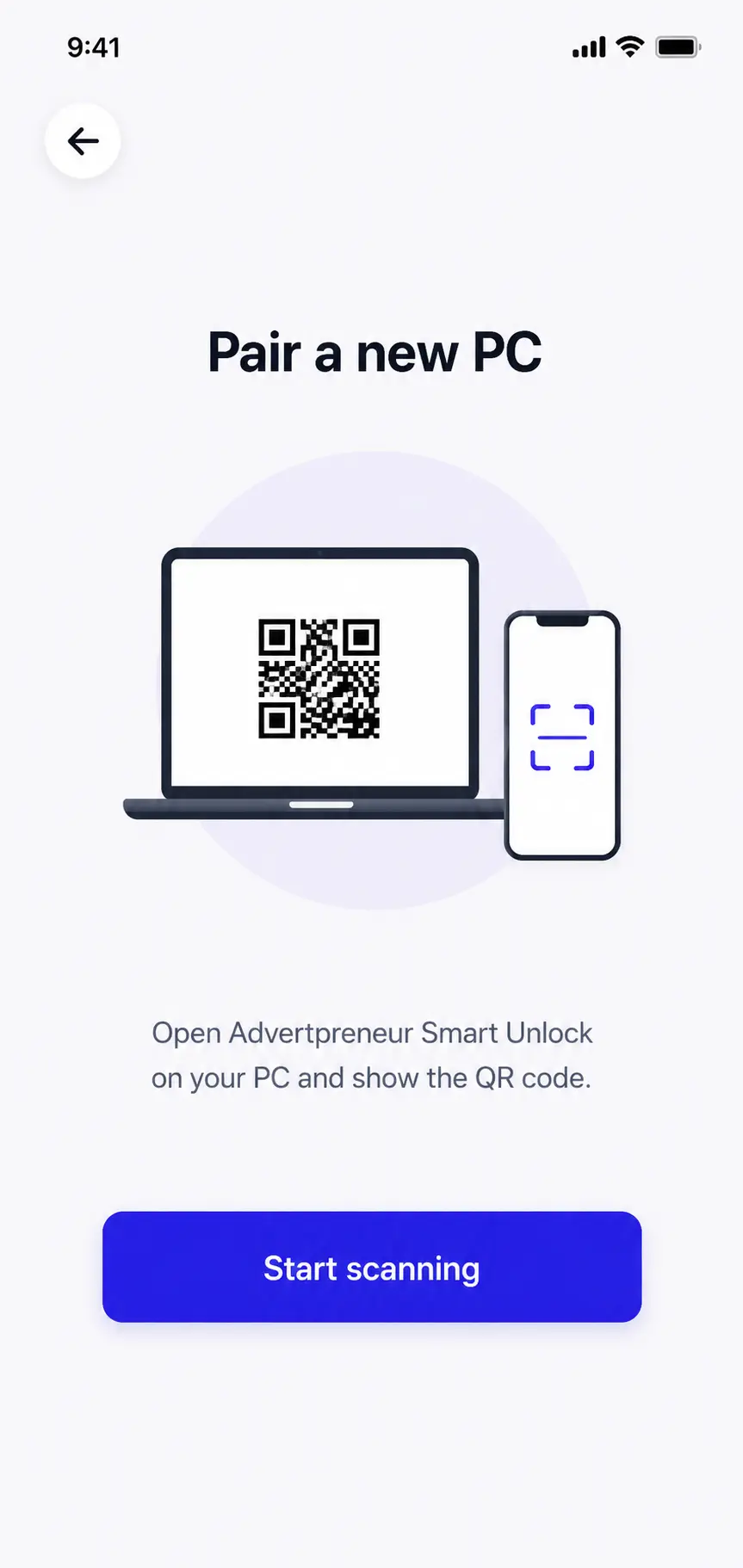
Pair a Windows PC, view its connection state, and send lock or unlock requests through the companion app.
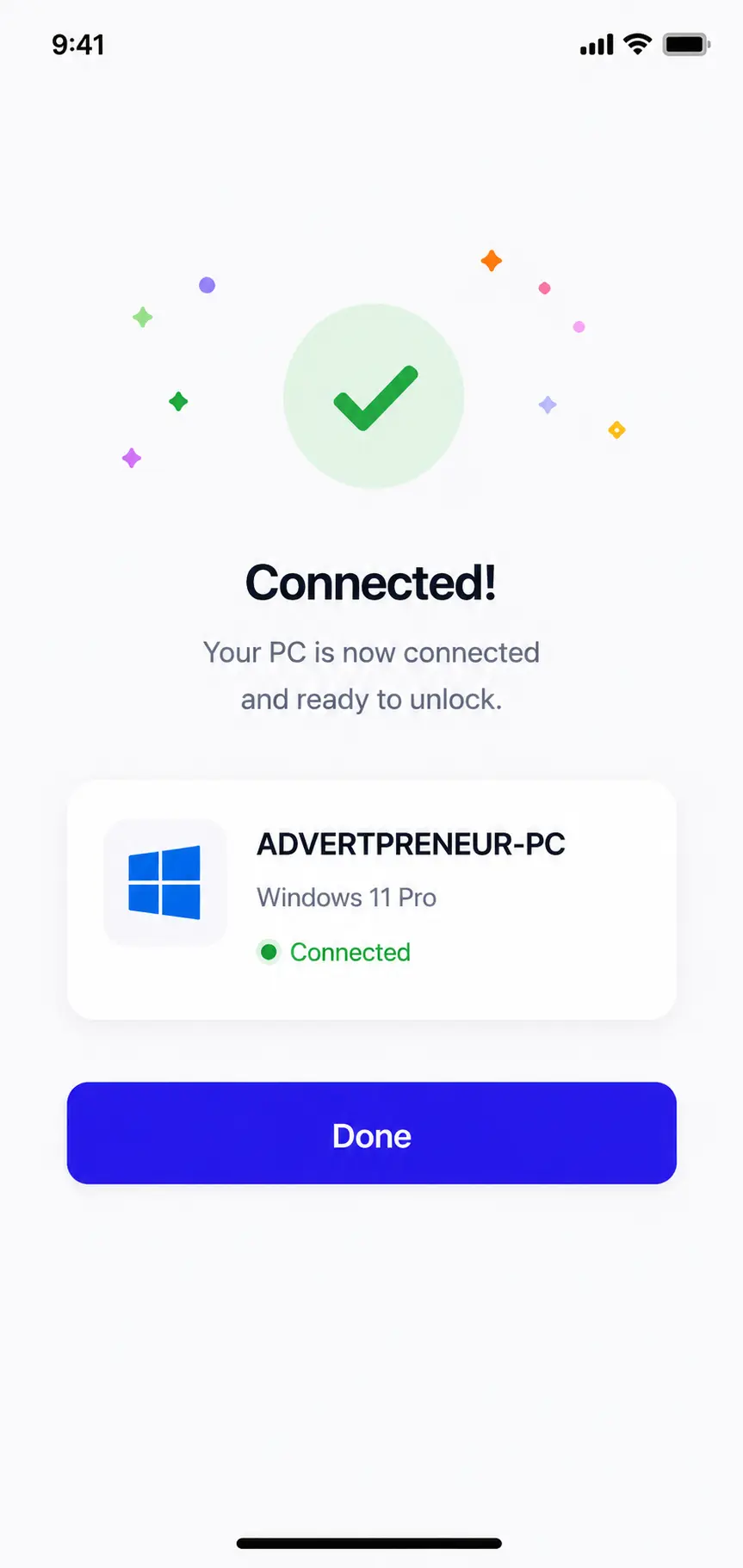
Thoughtful by design
Smart Unlock uses explicit pairing to establish the relationship between your phone and PC. You stay in control of which computers are attached, and you can remove a paired PC from the Android app.
Pair through a QR code or pairing code shown on your PC.
See which computers are connected before sending a command.
Remove a computer from your account when it should no longer be paired.
Questions, answered
It is a Windows application and Android companion that pair your trusted phone with your PC for convenient lock and unlock control.
Yes. The Windows application prepares and manages the PC connection, while the Android companion is used to pair with and control that PC.
Yes. The Android dashboard is designed to display and manage multiple paired Windows PCs.
Open the pairing screen on Windows, then scan its QR code from Android. A manual pairing code is also available.
Yes. The Android app includes a removal flow so a computer can be detached from your account.
The current product experience is designed for Windows 10/11 PCs with an Android companion phone.
Bring everyday PC access into one simple, connected experience.